In this guide
- What makes a good book cover?
- How do you design a book cover that sells?
- What size should a book cover be?
- What do print covers need?
- What should be on the back cover?
- How do you brief a book cover designer?
- How do book formatting and cover design work together?
- What are common book cover design mistakes?
- How long does book cover design take?
- How do genre conventions shape book cover design?
- How do you choose fonts for a book cover?
- Where can you get images for a book cover?
- How do you test a book cover before you publish?
This guide covers what makes a cover work, the technical specs for print and eBook, and how to brief a designer. If you want a professional cover, our book cover design services start with a free consultation for authors anywhere in the U.S.
What makes a good book cover?
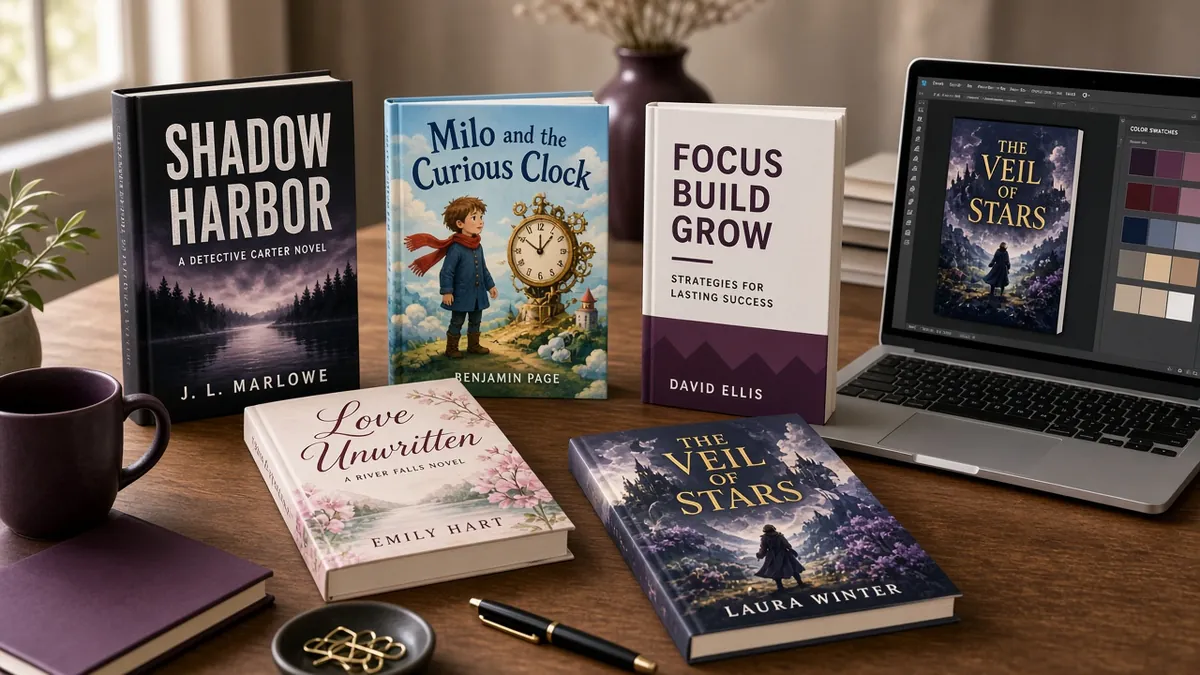
A good book cover clearly signals its genre, has a title that is readable at thumbnail size, uses one strong focal image and matches the tone of the story. It should look like it belongs next to successful books in its category, while still being recognizably yours. Clarity beats cleverness every time.
Before you start, look at the current bestsellers in your exact subcategory. Note the common colors, fonts, image styles and layouts. Readers have learned these signals, and a cover that ignores them can confuse the very people you want to reach.
How do you design a book cover that sells?
Design a book cover that sells by matching genre conventions, simplifying the composition and testing it small. Choose one main image, one or two fonts and a limited color palette. Then shrink it to the size of a store thumbnail and check that the title, author name and mood still come through.
- Know your genre signals. Thrillers, romance, fantasy, business books and memoirs each have recognizable visual styles.
- Pick one focal point. A single strong image reads better than several small ones.
- Make the title readable. Large, high-contrast type matters more than decorative fonts.
- Limit your palette. Two or three main colors usually look more professional.
- Test at thumbnail size. If you cannot read the title on a phone screen, revise it.
- Design for a series. If more books are coming, plan a layout that can repeat.
- Get honest feedback. Ask readers of your genre, not just friends and family.
What size should a book cover be?
Size depends on the format. For Kindle eBooks, Amazon’s ideal cover is 2,560 pixels tall by 1,600 pixels wide, a 1.6 to 1 ratio. For paperbacks, the cover size depends on your trim size and page count, because the spine width changes with the number of pages.
According to KDP’s eBook cover guidelines, files should be JPEG or TIFF, in RGB color, with a minimum of 1,000 by 625 pixels. Light covers can disappear against a white store background, so KDP suggests a thin gray border in that case.
What do print covers need?
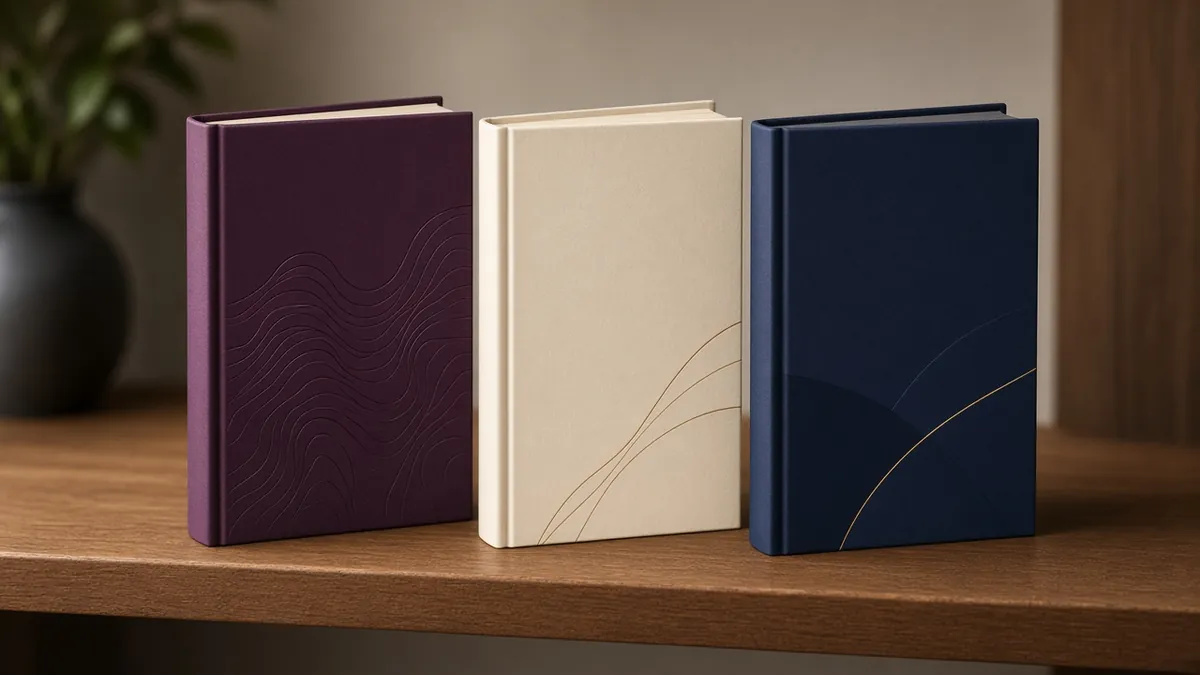
A print cover needs a back cover, spine and front cover combined into one file, sized with bleed. KDP’s paperback cover requirements call for a single PDF with 0.125 inch of bleed on the top, bottom and outside edges, images at 300 DPI or higher and text at least 0.125 inch inside the trim lines.
A few print details catch authors out:
- Spine text: KDP only prints spine text on books with at least 79 pages.
- Spine width: it is calculated from page count and paper type (KDP’s cover calculator does the math), so finalize your interior first.
- Barcode: leave room on the back cover, or KDP will place one for you.
- Finish: you can choose glossy or matte, and matte is common for fiction.
Paper and finish choices also affect your printing cost. Our self-publishing cost breakdown shows how cover design fits into the full budget, and our guide to publishing on Amazon KDP covers the upload steps.
What should be on the back cover?
The back cover should include a short, compelling book description, a brief author bio or photo if space allows, and any genuine review quotes you have permission to use. It also needs space for the barcode and, often, the price and the publisher or imprint name. Keep the text readable and well spaced.
How do you brief a book cover designer?
Brief a book cover designer by sharing your genre, target reader, a short summary, the exact title and author name, your trim size and page count, and three to five comparable covers you like. Clear direction leads to fewer revision rounds and a cover that fits your market.
Ask the designer for a written scope covering the number of concepts, revision rounds, final file formats and who owns the final artwork. You should receive full rights to use the cover to sell and promote your book. For picture books and illustrated covers, our book illustration team can create original artwork.
How do book formatting and cover design work together?
Book formatting and cover design are two halves of the same job, and the order matters. For paperbacks and hardcovers, the cover size depends on your trim size and page count, because the spine width changes with the number of pages. Your interior formatting sets that page count, so finalize the interior first and build the full cover around it.
- Choose your trim size before formatting, since it shapes both the interior layout and the cover dimensions.
- Format the interior and lock the final page count and paper type.
- Calculate the spine with KDP’s cover calculator, then finish the front, spine and back cover as one print file.
- Keep the eBook cover separate: Kindle covers are a single front image, so they don’t need a spine.
If you would rather hand off both jobs, our book cover design services and book publishing services cover print-ready covers and interior formatting for print and digital formats.
What are common book cover design mistakes?
Common book cover design mistakes include tiny or decorative titles that cannot be read as thumbnails, too many images competing for attention, colors that blend into the background, low-resolution artwork and styles that send the wrong genre signal. Most of these problems are easy to spot when you view the cover small.
- Too much text: taglines and long subtitles crowd the design.
- Wrong genre cues: a cozy mystery should not look like a horror novel.
- Low-resolution images: they print blurry even if they look fine on screen.
- Unlicensed photos or fonts: always confirm you have commercial rights.
- Ignoring the spine: it is what readers see on a bookshelf.
How long does book cover design take?
Book cover design time depends on the designer, whether you need custom illustration and how many revision rounds you use. A clear brief and quick feedback shorten the process. Plan the cover early, because you will want it for preorders, your website and advance reader copies well before release day.
Remember that the print cover cannot be finalized until your interior page count is set, because the spine width depends on it. Many authors approve the front cover first, use it for promotion, and complete the full print wrap once formatting is done.
How do genre conventions shape book cover design?
Readers decide in a second or two whether a book looks like the kind of story they enjoy. Good book cover design uses that instinct instead of fighting it. Thrillers often lean on bold type and dark, high-contrast images. Romance covers signal their subgenre through color, couples or illustrated characters. Literary fiction tends toward cleaner layouts and more abstract images, while business and self-help books usually put a large, readable title front and center.
The best way to learn your genre’s conventions is to look. Open the bestseller list for your exact category on Amazon or at a bookstore and study the top covers side by side. Note the common colors, fonts, image styles and where the title sits. Your goal is a cover that clearly belongs on that shelf while still being recognizably yours.
How do you choose fonts for a book cover?
Typography does more work on a cover than many authors expect. A few guidelines help:
- Limit yourself to one or two typefaces. More than that usually looks busy.
- Make the title readable at thumbnail size. Most readers first see your cover as a small image in search results.
- Match the mood of the genre. A delicate script suits some romance and memoir. A heavy sans serif suits many thrillers and nonfiction titles.
- Check the license. Fonts used on a commercial product need a license that allows it. Free for personal use is not enough.
Where can you get images for a book cover?
Book cover design usually starts with one of three image sources: stock photography, custom illustration or a custom photo shoot. Stock is the most affordable, but read the license carefully. Many standard stock licenses limit the number of printed copies, so you may need an extended license for a book. Custom illustration costs more and takes longer, but gives you an image no one else can use. Whatever you choose, keep written proof of your rights to every image and font.
How do you test a book cover before you publish?
Before you approve the final file, test the design the way readers will see it:
- Shrink it to the size of a search result thumbnail and check that the title is still readable.
- View it in grayscale, since some e-readers display covers without color.
- Place it next to the top sellers in your category and ask whether it looks like it belongs.
- Show it to a few people who read your genre and ask what kind of book they expect.
- Order a printed proof of the paperback to check color, spine text and trim.
Small adjustments at this stage are quick. Changing a cover after launch is possible, but it costs time and can confuse readers who already know the original.